


Casinobossy Gaming App
Casinobossy offers a mobile app for Android and iOS devices. The app can be downloaded from the platform’s website.
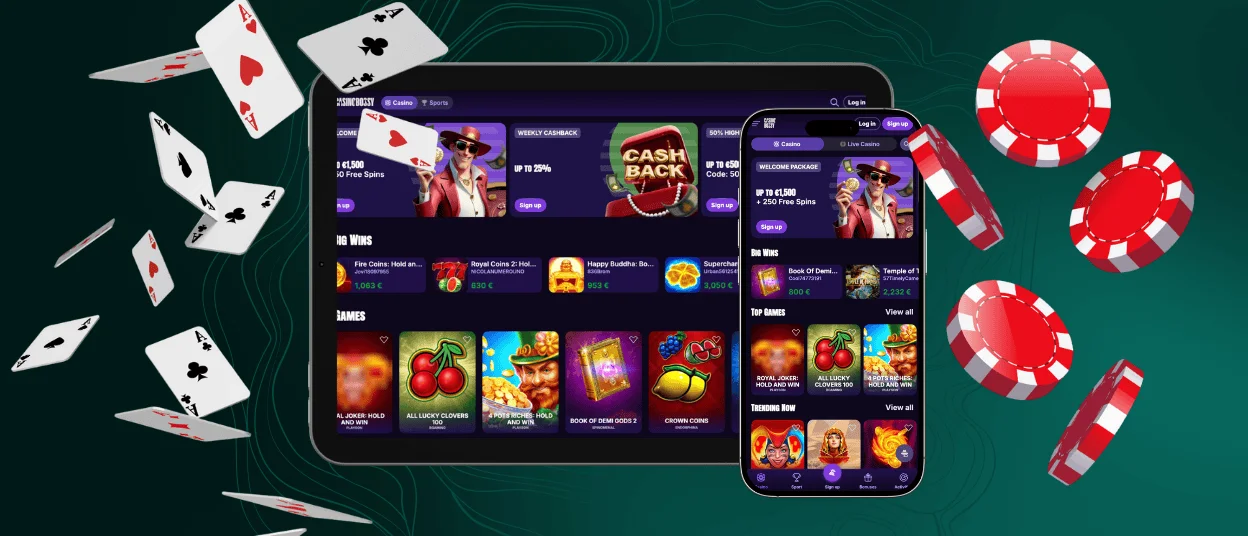
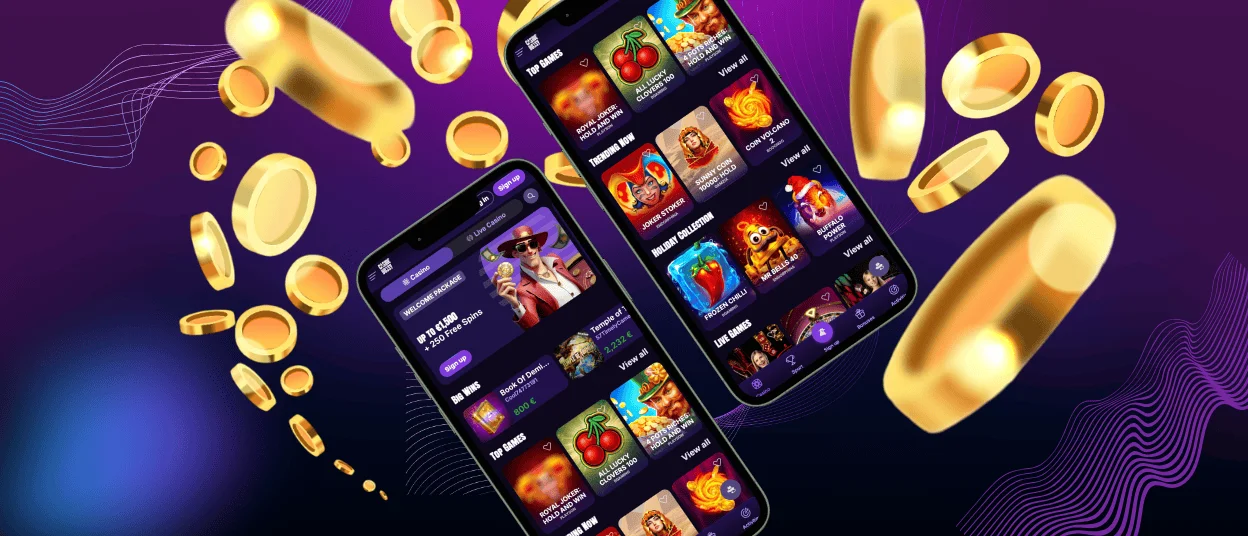
The mobile version includes the same games and features as the desktop site. Users can access the full game library, payment options, and account functions through the app.



Casinobossy With Mobile App
The mobile platform requires a device and an internet connection. Users can access the game library, payment options, bonuses, and customer support through the app. Registration and login processes are available in the mobile version.
Two options exist for accessing Casinobossy on smartphones or tablets. The mobile browser version is optimized for smaller screens. Alternatively, users can download the dedicated app. Both methods provide access to platform features.
Casinobossy Casino Android App
The Android app provides access to over 6,000 games across different categories. The mobile version includes the same functionality as the desktop platform.
The app is built as a progressive web application (PWA), which means no APK files need to be downloaded. Installation takes approximately 3 minutes. Users can start the installation by clicking the “Casino App” button in the website’s footer. After completion, the app icon appears on the device’s home screen.
Casinobossy is also accessible through mobile browsers. A shortcut icon can be installed for faster access from any modern browser on smartphones or tablets.
| Step | Details |
| Open your mobile browser | Launch Google Chrome or another supported browser on your Android device and navigate to the casino’s website. |
| Go to the homepage | Access the main Casinobossy page. |
| Open browser menu | Tap the three-dot menu in the top-right corner of Chrome. |
| Select “Add to home screen” | Choose this option from the menu to create the shortcut icon. |
| Confirm name and icon | Review the suggested shortcut name and modify if needed. The icon preview displays automatically. |
| Click “Add” | Confirm by tapping “Add.” The device may prompt for manual or automatic placement. |
Casinobossy Casino iOS App
iOS users can access the mobile version through an app or browser.The Casinobossy app is available for download from the official website. Installation from third-party sources is not recommended for security reasons.
The browser version provides the same design, navigation, and games as the desktop platform. The mobile interface includes larger buttons, scroll and swipe functions, and touch-optimized game controls. Users who prefer app access can follow the installation process outlined below.
| Step | Details |
| Open the Safari browser | Launch Safari on your iPhone or iPad and navigate to the casino website. |
| Navigate to the footer and click “Casino App” | Access the main Casinobossy page where the PWA installation link is located. |
| Install the PWA | Tap “Install” in the middle of the screen. The PWA installs within a few minutes and appears on your home screen. |
| Launch and play | Open the Casinobossy app from your home screen, log in to your account, and access the platform. |
Download Windows and macOS Apps
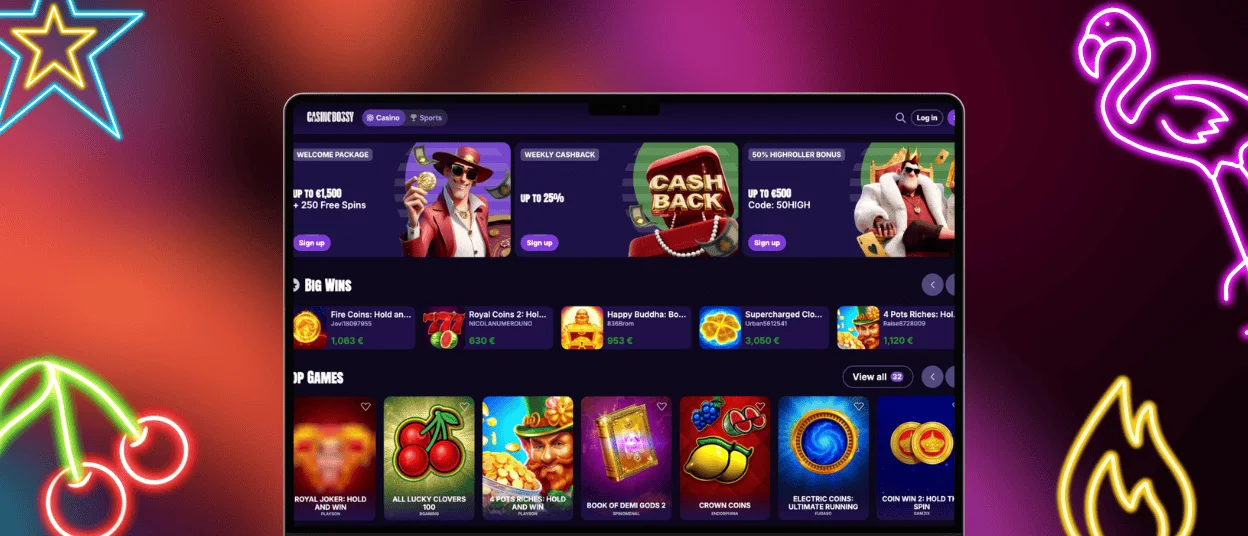
Casinobossy is accessible through a browser or downloadable desktop software for Windows and macOS. The desktop application provides the following advantages:
- Faster performance
- Enhanced graphics and sound
- Stable gameplay
- Instant access
- Exclusive features and bonuses
The desktop app can be downloaded from the official website. Installation takes several minutes and doesn’t require advanced technical knowledge. Once installed, the application creates a shortcut on your desktop for quick access. The software is compatible with modern versions of Windows and macOS operating systems. All account data syncs automatically between desktop, mobile, and browser versions, allowing users to continue their sessions across different devices.
FAQ
Does the Casinobossy Casino App Offer Customer Support?
The app includes a live chat feature for contacting support managers. Email support is also available for detailed inquiries.
Is Creating an Account Required to Use the Casinobossy App?
An account is required to access all app features. Users can register and complete the verification process directly in the app.
Are All Games Available in the App?
The app contains the platform’s complete game collection of over 6,000 titles. This includes online slots, table games, live dealer options, and crash games. All games are adapted for mobile devices.
How Can I Update the Casinobossy Casino App?
The PWA updates automatically without user action. If significant changes require additional installation from the website, users will receive a notification.


